Lab notes
What a film stock is, when it is a 3D LUT
Droproll Lab · 8 Sept 2026
A house film is a set of rules we wrote. A community stock is a .cube file, a speed, a grain and four dials. What each of those does to a frame.
A stock on our shelf is four things: a name, a speed, a set of decisions about colour, and a set of decisions about physics. On the twenty one house films those decisions are ours. On a community stock they arrive in a file somebody made.

What a 3D LUT actually is
A LUT is a lookup table. A 3D LUT is a lookup table for colour: you give it a red, a green and a blue value, and it hands back a different red, green and blue. That is the entire idea. It has no settings, no strength slider and no opinion about what it is looking at.
The file is a grid of those answers. At the largest size we take, a .cube holds 33 steps per channel, which is 35,937 measured points floating in a cube of colour. Your frame's pixels almost never land exactly on one, so the lab interpolates between the eight points around each pixel and gets the answer that sits between them.
That is why a LUT is a fair way to carry a look. It is not a recipe that has to be reinterpreted at our end. It is the answer for every colour, already written down, and we apply it to the whole frame the same way every time.
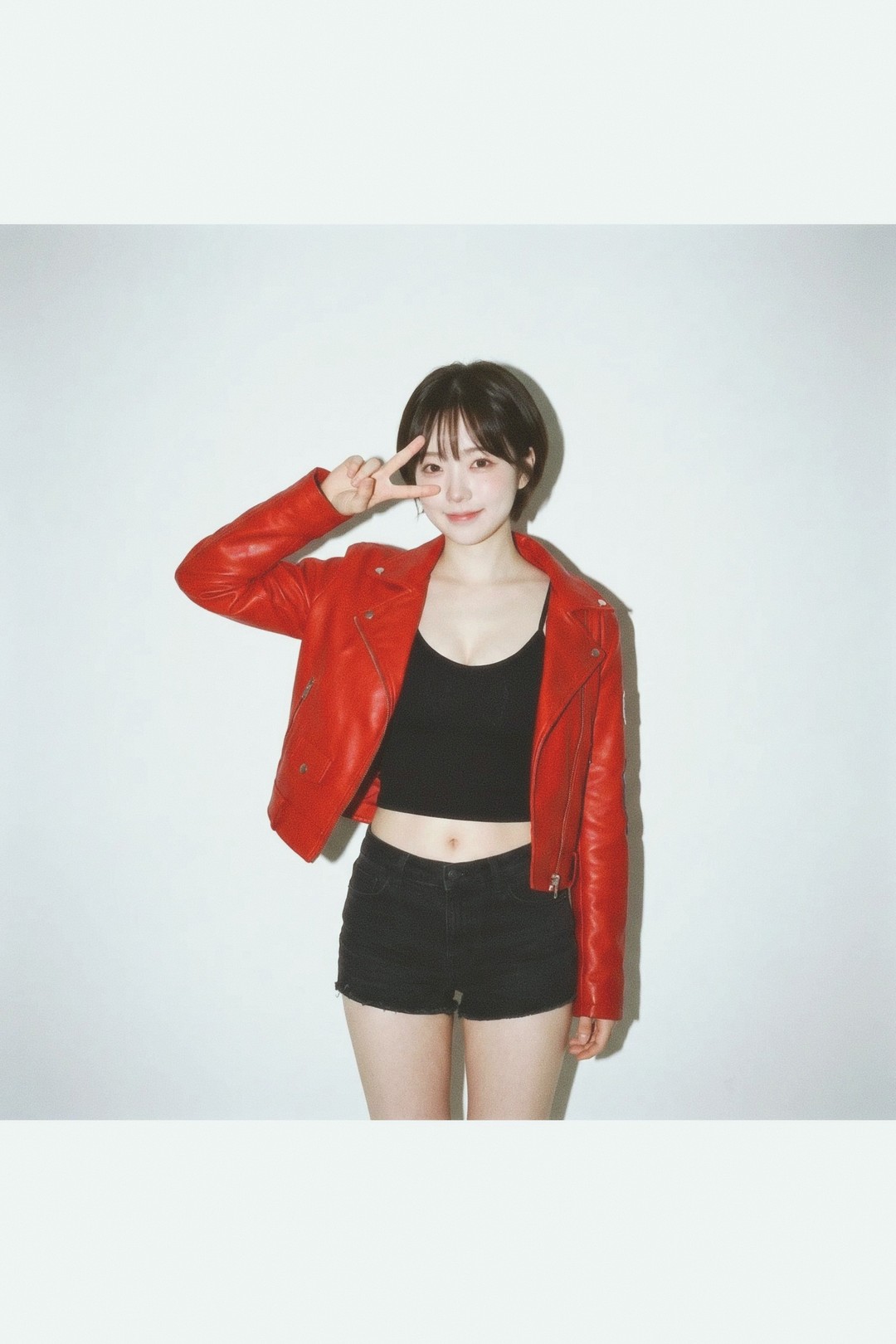
What it cannot do
A colour table knows nothing about the picture. It sees a colour and answers with a colour, so it treats a red jacket, a brake light and a sunburnt cheek as the same input. There is no skin detection in it and no way to make it touch one part of a frame and not another.
It also carries none of the things people often assume are part of a look. No grain, no sharpening, no glow, no dark corners. Those are separate steps, and on a community stock they are set separately.
The rest of a stock
Alongside the file, whoever mixes a stock sets:
- A speed, from 50 to 800. That is the number on the box, and it also decides how much grain the lab draws, the same way it works on our own films.
- Colour or black and white, and how coarse the black and white grain is.
- Four physics dials. Halation is the red spill around a bright edge. Bloom is how far highlights veil into what is next to them. Vignette is how far the corners fall away. Fringe is colour separating towards the corners, the way a fast lens does wide open.
The dials have a mark on them where our own film sits: halation and bloom in the middle, vignette and fringe at nothing. Leave all four alone and the stock develops exactly as it would have without them. That is deliberate. A dial that does something when you have not touched it is a dial you cannot trust.

Where the colour sits in the develop
The colour table is one step of several, and the order matters:
- The colour, from the LUT or from the house film's own rules.
- The lens: the fringe and the vignette, then whatever the aperture you shot at does to the background.
- The accidents. Most frames come back clean. A few draw a soft focus, a shake, a glow or a leak, weighted by what is actually in the frame.
- The scan finish: the faint warm veil and the red spill around bright edges.
- Grain, laid down last, drawn from real scanned film rather than generated noise.
The orange band in the frame below is step three, not step one. No LUT can put that there, and no LUT can take it away.

The test roll
Every stock on the shelf is developed on the same six frames: skin in daylight, skin under tungsten, sky and green, a night frame with a point light, white and neutral, and a backlit frame. They are the six places a colour decision shows up, and having the same six under every stock is what makes two stocks comparable at all.
Making one
The bench is at /stocks/new and it is four steps: where the colour comes from, see it on the test roll, the box, put it on the shelf. Drop a .cube up to a 33 grid and 4MB, pick the speed and the grain, set the dials or import them from a DaVinci grade, and look at the six frames before anybody else does.
An .xmp preset will not develop here. Export a .cube from Lightroom, Photoshop or Resolve instead.
Then it gets a page of its own on the shelf, with your name on it and the line we put under every community stock: mixed by the person who made it, not by the lab, and developed exactly as they set it.
Try it
- Lucen 100house filmLoad this film →
- Clear Coat 200community stockLoad this film →
- Quiet Silver 400community stockLoad this film →
- Harbour Blue 800community stockLoad this film →